
INDUSTRY VIDEO
Car Dealerships Website Guide
Start here for a practical tour. Once opened, the player follows as you move through the guide and can be returned to its place at any time.
Continue to the recommended structure →
Get your business online
Help shoppers compare vehicles and arrange a useful conversation before visiting.
For independent vehicle dealers, used-car retailers and small dealership teams
Present current vehicle details, clear purchase steps and an easy viewing request. Keep availability, photographs and pricing accurate, and separate general enquiries from finance applications or deposits.
Video overview and workbook
See how the website, business tools and customer journey fit together, then use the matching Car Dealerships workbook to shape your own pages.
Start here for a practical tour. Once opened, the player follows as you move through the guide and can be returned to its place at any time.
Continue to the recommended structure →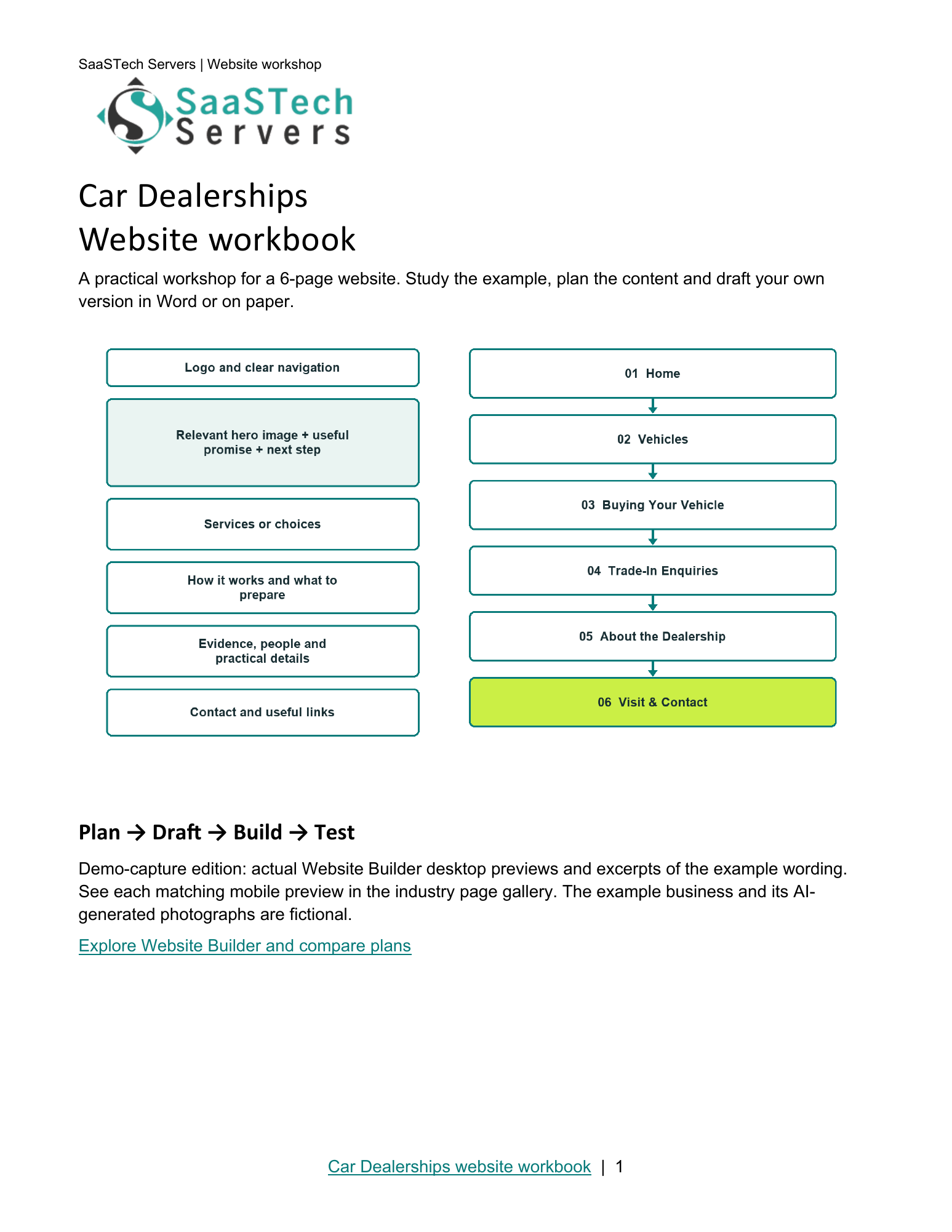
A website-planning guide in editable Word and print-ready PDF, with an example page plan, sample wording and space to draft your own content. Adapt the fictional example and confirm the details for your business.
View all templates and resources →Recommended structure
Start with this compact structure and add pages only when they answer a distinct visitor question.
First setup
Follow the category, business name and description used to begin Prairie Horizon Motors.
New themes
Browse Aurora and Sorbet through Hearth in the uncropped library. These are starting layouts; Recommended structure shows the finished demonstration.
More themes
Continue from Modern and Kai through Focus and Craft, including light-logo alternatives for photographic and dark headers. Urban is the final demo’s theme.
Paint your site
See the same Home page with light, colourful and dark treatments. Dark branding belongs on pale headers; light branding belongs on coloured and dark headers. All sections use one shared picture viewer.
Earn confidence
Be discoverable
Find your domain
Try a .ca, or leave out the ending and we’ll help you find one that fits. The live search confirms current availability and pricing.
Explore country-code and regional domain endings with dedicated SaaSTech help articles. Registration rules and availability vary by registry and are confirmed in the secure storefront. Select an ending to open its specific help article in a new tab.
Where SaaSTech fits
The website strategy comes first. These services provide a practical foundation and can be adjusted for the business.
Choose a short, memorable name that belongs to the business and can be used for both the website and email.
Explore service →FOUNDATIONUse a clear vehicle catalogue and viewing requests with staff confirmation. A general website is not automatically connected to dealership stock, financing or reservation systems. Use verified integrations for live inventory; keep credit applications and payments in approved dedicated systems.
Explore service →FOUNDATIONUse the business domain for email, calendars, meetings, Office apps, and organized customer communication.
Explore service →Download templates branded for Prairie Horizon Motors. Complete the fields in Word or the input cells in Excel, or print the forms and planners for handwriting. Website workbooks also include a print-ready PDF. Adapt the example branding and details for your own business.
Editable Excel planner with status choices, tested record counts and clearly marked input cells.
Editable Excel planner with status choices, tested record counts and clearly marked input cells.
Two-page Word worksheet for typing or handwriting. Adapt the example branding and use your approved process.
A website-planning guide in editable Word and print-ready PDF, with an example page plan, sample wording and space to draft your own content. Adapt the fictional example and confirm the details for your business.
SaaSTech example templates, not official Microsoft templates. Keep confidential records in your approved private systems. These files do not connect to Website Builder or submit information.
Put the services to work
These examples connect the technology to everyday customer and team needs in car dealerships.
Separate vehicle information, buying steps and trade-in enquiries. Keep stock information current and explain that availability and appointments need staff confirmation.
Use the vehicle listing checklist and viewing enquiry tracker to assign update owners, record next actions and follow through. Keep finance applications and identity documents in approved private systems.
Share a viewing preparation worksheet so customers can organize questions and notes. Confirm arrangements by business email; the worksheet is not a sales contract, finance application or reservation.
Before going live