
INDUSTRY VIDEO
Auto Parts Stores & Suppliers Website Guide
Start here for a practical tour. Once opened, the player follows as you move through the guide and can be returned to its place at any time.
Continue to the recommended structure →
Get your business online
Help drivers and repair shops find the right part—and the right next step.
For independent auto parts stores, regional suppliers and parts-counter teams
Show the categories you stock, explain how vehicle fitment and special orders are confirmed, and make pickup or delivery expectations easy to understand. Keep the public website useful without presenting sample inventory as live stock or promising that a part fits before the store verifies the vehicle details.
Video overview and workbook
See how the website, business tools and customer journey fit together, then use the matching Auto Parts Stores & Suppliers workbook to shape your own pages.
Start here for a practical tour. Once opened, the player follows as you move through the guide and can be returned to its place at any time.
Continue to the recommended structure →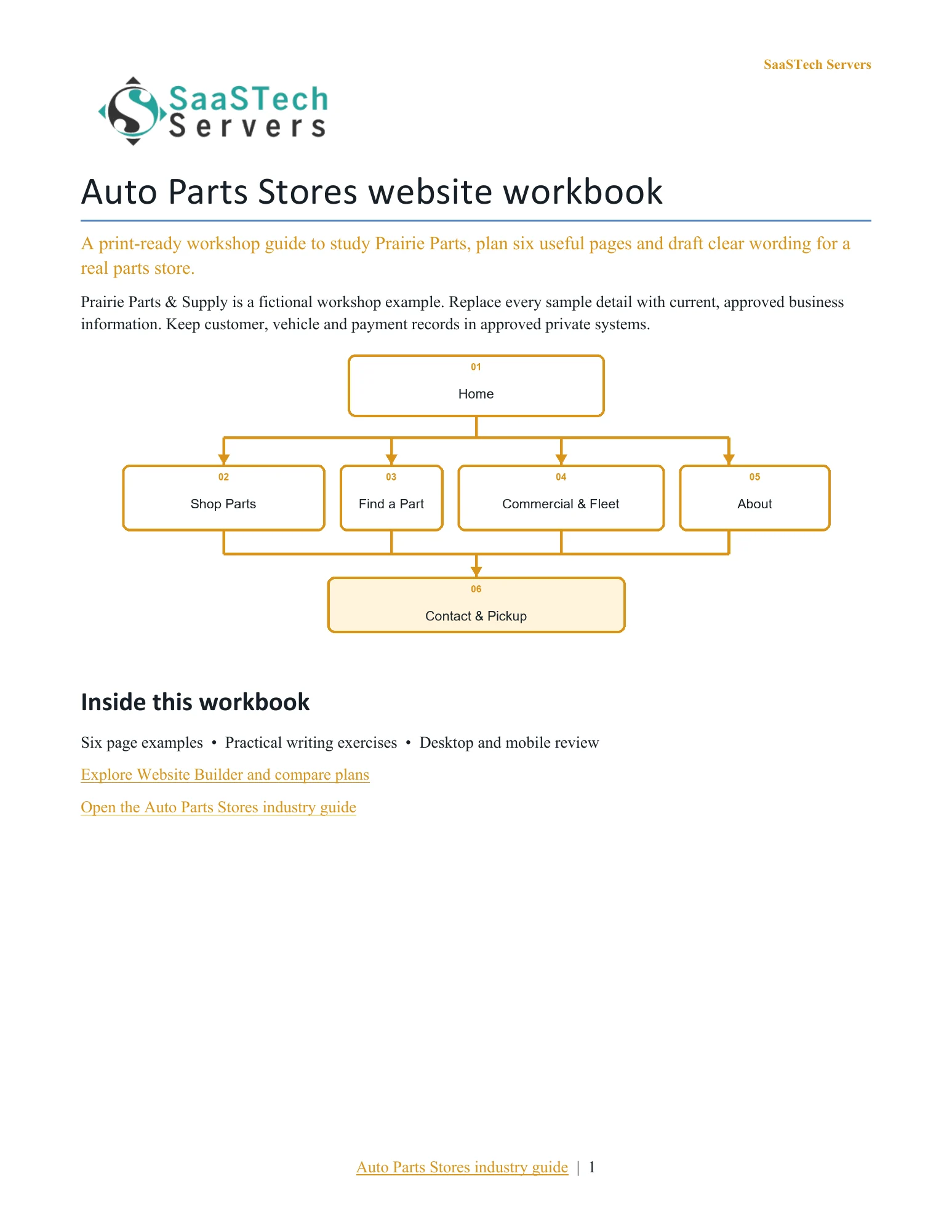
A website-planning guide in editable Word and print-ready PDF, with an example page plan, sample wording and space to draft your own content. Adapt the fictional example and confirm the details for your business.
View all templates and resources →Recommended structure
Start with this compact structure and add pages only when they answer a distinct visitor question.
See what you can build
Open one image to browse the complete demonstration. Every desktop page is followed immediately by its mobile preview so business owners can see the same customer journey on both screens.
First setup
Start with the site map, then see how to add a page, control the header and choose a section. These four screens form a practical first-pass walkthrough for a new store owner.
See what you can build
Open the preview to explore the captured themes, logo variations and paint settings in the image viewer.
Themes
See the chosen look first, then browse the loaded New Themes and More Themes collections without changing the final site.
Paint your site
Compare all seven positions in order, checking the dark logo on pale backgrounds and the light logo on deep backgrounds.
Earn confidence
Be discoverable
Find your domain
Try a .ca, or leave out the ending and we’ll help you find one that fits. The live search confirms current availability and pricing.
Explore country-code and regional domain endings with dedicated SaaSTech help articles. Registration rules and availability vary by registry and are confirmed in the secure storefront. Select an ending to open its specific help article in a new tab.
Where SaaSTech fits
The website strategy comes first. These services provide a practical foundation and can be adjusted for the business.
Choose a short, memorable name that belongs to the business and can be used for both the website and email.
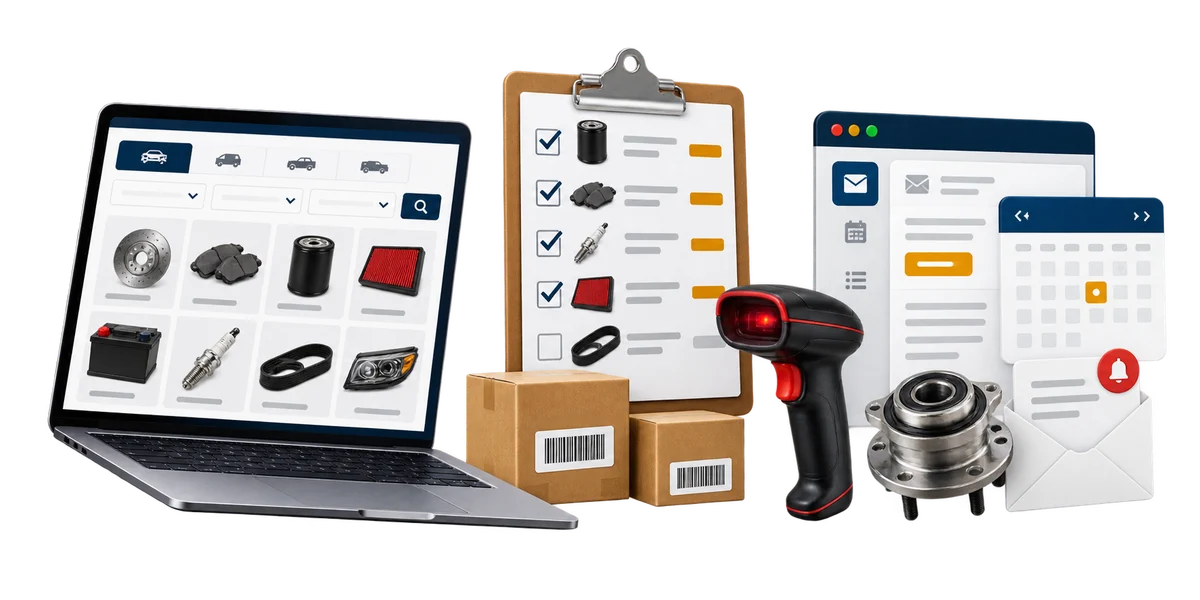
Explore service →FOUNDATIONUse an online catalogue when the store can maintain products, prices, stock status, pickup rules and order notifications. For complex fitment, let customers start with year, make, model, engine and part details, then have the parts team verify compatibility before promising availability or installation suitability.
Explore service →FOUNDATIONUse the business domain for email, calendars, meetings, Office apps, and organized customer communication.
Explore service →Download templates branded for Prairie Parts & Supply. Complete the fields in Word, or print the forms and planners for handwriting. Website workbooks also include a print-ready PDF. Adapt the example branding and details for your own business.
Collect vehicle, fitment and part details, then document staff verification, stock, warranty and pickup steps. Printable or editable in Word.
Follow a non-stock part from supplier confirmation through customer updates and final pickup, without storing sensitive payment details.
Plan repeat-order support, approved contacts, delivery boundaries, returns and review responsibilities for farms, trades and local fleets.
A website-planning guide in editable Word and print-ready PDF, with an example page plan, sample wording and space to draft your own content. Adapt the fictional example and confirm the details for your business.
SaaSTech example templates, not official Microsoft templates. Keep confidential records in your approved private systems. These files do not connect to Website Builder or submit information.
Put the services to work
These examples connect the technology to everyday customer and team needs in auto parts stores & suppliers.
Organize parts by customer need, then collect year, make, model, engine and the requested item. Let the parts counter verify compatibility, price and stock before promising a fit or pickup time.
Use a shared special-order tracker, supplier contact list and staff calendar for delivery or pickup responsibilities. Keep customer payment details and account records in the store's approved systems.
Use the store's own domain for the website and role-based addresses such as parts, commercial and orders. Send confirmations only after the store has verified the part and next step.
Before going live